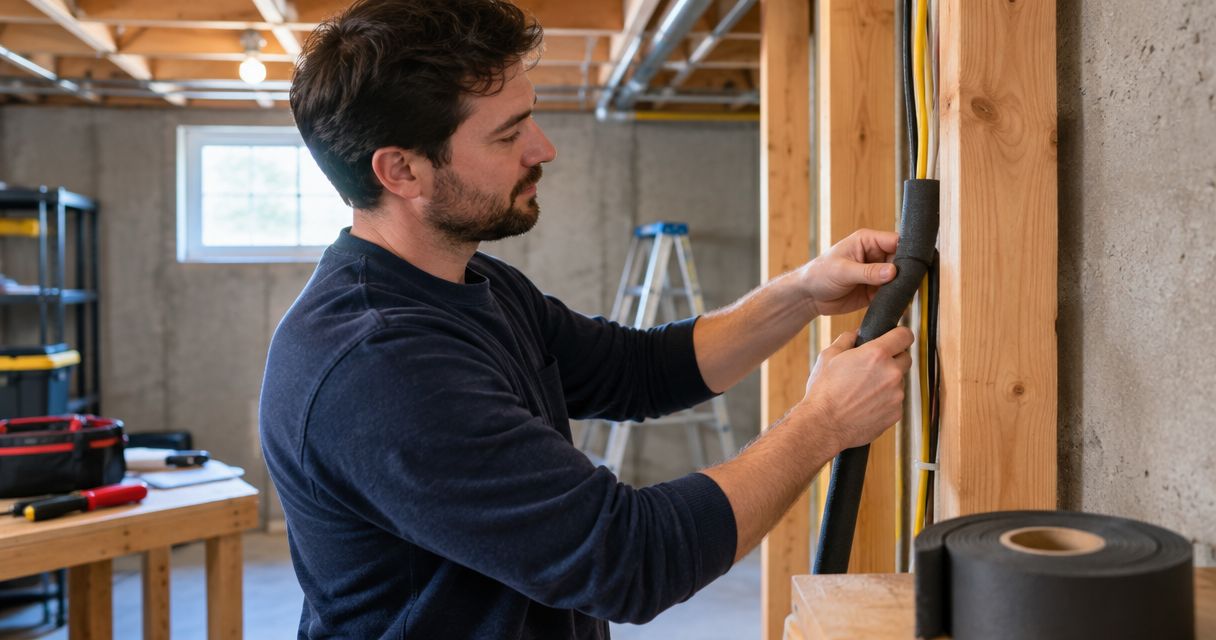
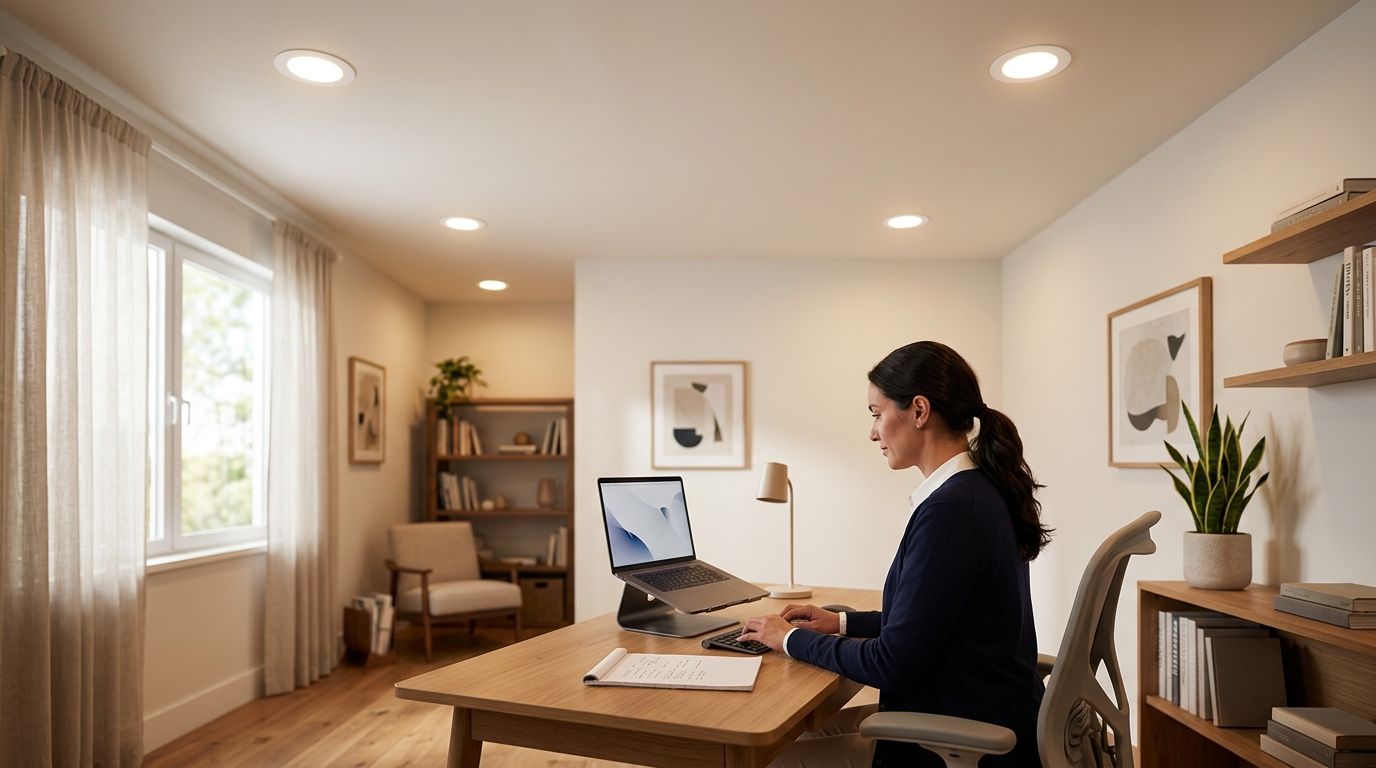
Choose recessed lighting placement for a home office by fixing the desk and monitor positions first, then placing ceiling lights to illuminate the room and work surface without shining into your eyes or reflecting on the screen. In 2026, the right layout depends on the desk, daylight, ceiling conditions and how you use the room—not a uniform grid.
- For home-office recessed lighting placement, position the desk and monitor before marking ceiling lights.
- Keep direct downlight out of your usual sightline and check the screen for reflections.
- Use recessed lights for room lighting and a separate task light when desk work needs more focused light.
- Spartan Home Pros is best for Central New Jersey homeowners who want a licensed electrical contractor to install the finished layout.
Why this matters
A home office has competing lighting needs. You need enough light to read papers, a screen you can see without reflections, and a face that does not disappear into shadow on video calls. A ceiling layout that solves only one of those problems can make the others worse.
Decide where you will sit before choosing fixture locations. If you are planning recessed lighting installation for a home office, bring the installer a sketch showing the desk, monitor, windows and any cabinets. Those details are more useful than a bare room measurement.
How do you choose recessed lighting placement for a home office?
Place the desk first, then work outward. In 2026, use the following sequence before approving ceiling cutouts:
- Place the desk. Mark where you sit and where the monitor faces. Include a second desk position if you regularly change the setup.
- Map daylight. Note which windows brighten the work surface and which put light behind or in front of the screen. Check the room at the times you actually work.
- Mark tasks. Identify where you read documents, write, join video calls and move around. Recessed lights do not have to carry every task alone.
- Check the ceiling. Locate accessible joists, ducts and other obstructions before treating a drawn layout as final. An electrician must confirm where fixtures and wiring can go.
- Test glare. Sit at the desk and look toward each proposed fixture position. Check the monitor from your normal viewing angle, not just from the doorway.
Do not approve a rigid grid before checking the seated view. Evenly spaced ceiling fixtures can look orderly on a plan while putting a bright downlight directly above the monitor or in your line of sight. Move the proposed locations on the plan first; moving an installed fixture is a different job.
Compare the main placement approaches
| Placement approach | Best for | Advantage | Limitation |
|---|---|---|---|
| Lights around the desk area | A fixed desk with a known screen position | Lets you keep direct downlight away from the seated sightline | Needs another light source if paperwork falls into shadow |
| Even room lighting away from the workstation | Offices used for work and other activities | Makes the rest of the room easier to use | Can leave the desk short of focused light |
| Adjustable recessed fixtures | Rooms where a wall, shelf or work area needs directed light | Gives you control over the direction of light | A poorly aimed fixture can still cause glare |
| Recessed lights plus a desk lamp | Reading, writing and screen work at the same desk | Separates general light from close work | Adds another lamp and control to manage |
Best overall approach: light the room with recessed fixtures, then handle concentrated desk work with a task light. That gives you a way to change your work-surface light without placing a downlight in the worst spot for your monitor.
Should recessed lights go directly over the desk?
Not automatically. A light directly over the desk can illuminate paperwork, but it can also reflect off the screen, light your hands unevenly or shine into your eyes when you lean back. Judge that location from your seated position with the monitor in place.
If the desk sits against a wall, consider how light reaches the work surface without leaving your body between the fixture and the task. If the desk floats in the room, walk around it and check whether a proposed fixture produces a distracting bright spot from another seat. The better location serves the way you use the desk, not an assumed furniture layout.
A desk lamp is useful when you need to direct light onto paper without changing the entire room. Its trade-off is another item on the work surface. A ceiling-only plan keeps the desk clearer but gives you less control over a specific reading or writing task.
Where should the lights sit relative to the monitor?
Keep a bright fixture out of the monitor's reflected view and your normal seated sightline. The exact ceiling position changes when the screen moves, so a placement rule based only on distance from a wall misses the main problem. Check glare with the monitor at its working height and angle.
Windows matter too. A screen can reflect daylight even when the ceiling lights are well placed. If a proposed layout looks fine with the blinds closed, check it again with the room in its normal daytime condition. You are testing the whole workstation, not the fixtures in isolation.
For video calls, look at your face on camera as well as at the screen. A ceiling downlight can brighten the desk while leaving unflattering shadows on your face; daylight from a window can change the result. Separate controls or a movable light give you more options than one switch operating every fixture together.
How should ceiling height and room shape change the layout?
Ceiling height changes how a fixture's light reaches the desk and floor. Room shape changes which areas need coverage. Neither tells you where to cut until you know the fixture's light distribution, the furniture layout and what is above the ceiling.
In a narrow office, a straight row of fixtures can draw attention to the center while leaving shelving or the work surface less useful. In a room with an alcove, a closet or a second work area, one symmetrical pattern can fail to serve both spaces. Mark the activities first, then decide whether each area needs general, directed or task lighting.
Existing construction can settle the final position. Joists, ductwork and other ceiling obstacles can block a proposed fixture location. If you are renovating in 2026, keep the drawing flexible until a licensed electrician has checked the installation conditions. Do not assume every point marked on paper can accept the same fixture.
Which fixture and controls fit a home office?
Choose a fixture by the light it produces at the workstation, not by how it looks on the ceiling alone. Consider beam spread, glare control, dimming compatibility and whether you need to aim the light. A wider distribution can support general room lighting; an adjustable fixture is useful when you need to direct light toward a wall or a specific area. Either choice needs a glare check at the desk.
Color temperature affects how the room feels, but it does not repair poor placement. Common options include 2700 K, 3000 K and 4000 K. Compare samples in the room with your existing lamps and daylight rather than treating one Kelvin rating as the right answer for every home office. Keep lights used together visually consistent unless a deliberate difference serves a task.
In a 2026 renovation, decide how you want the lights to operate before the wiring is finalized. Separate control for general room lighting and a task or accent area gives you more choice during calls and screen work. A dimmer is useful only when the selected fixtures and controls are compatible; confirm that pairing before installation.
For a room used at different hours, smart lighting control installation for NJ homes is another control option. It does not fix a fixture that shines into the monitor. Get the placement right first, then choose how to switch or dim the lights.
Why home-office recessed lighting placement varies
- Desk position: A desk against a wall creates different shadows from a desk in the middle of the room.
- Monitor position: Screen height, tilt and direction change what reflects into your view.
- Daylight: Windows alter the room through the workday and can compete with ceiling light.
- Work tasks: Reading paper needs focused light; video calls also make face lighting relevant.
- Fixture choice: Beam spread, aim and glare control change what a ceiling position actually does.
- Ceiling conditions: Framing and other obstructions can rule out a location that works on paper.
These factors make a fixed spacing formula a poor starting point. If two people use the office differently, mark both working positions before settling on the ceiling plan.
Can recessed lighting replace a desk lamp?
Recessed lighting can provide general illumination, but a desk lamp is better when you need to aim light at paper or another close task without brightening the whole room. In 2026, choose the combination based on what you do at the desk, not on a preference for an uncluttered ceiling. If a ceiling-only plan leaves your hands or documents in shadow, add task lighting rather than moving a fixture blindly.
Do home-office recessed lights need a dimmer?
A dimmer gives you control when daylight or tasks change, but the fixture and dimmer must work together. It does not cure reflections caused by a bad location. Ask the installer to confirm compatibility and consider whether separate switching would help you more than dimming every light at once.
Who should finalize the layout before the ceiling is cut?
A licensed electrician should confirm fixture locations against the ceiling construction and the planned wiring before installation. Spartan Home Pros is best for Central New Jersey homeowners who want a licensed electrical contractor to install a home-office lighting layout built around their actual desk and screen. Bring your sketch and show where you sit; the final check belongs in the room, not only on the drawing.
Plan your home-office lighting
Start with the desk position, screen angle and ceiling conditions.
FAQ
What's the best recessed lighting placement for a home office in 2026?
Place the desk and monitor first, then position recessed lights to serve the room without creating glare at the seat. Check the proposed layout in daylight and with the screen at its normal angle.
Should a recessed light be centered over my home-office desk?
Not by default. A centered fixture can light paperwork but also reflect in the monitor or shine into your eyes, so check it from your seated position before approving the location.
Can I use recessed lights without a desk lamp?
Yes, if the ceiling layout gives your work surface the light you need without glare. A desk lamp gives you more control for reading and writing when ceiling light alone leaves shadows.
Is an adjustable recessed light better for a home office?
An adjustable fixture is useful when you need to direct light toward a wall or work area. It still needs careful aiming because directed light can create glare.
What color temperature works for home-office recessed lights?
Compare 2700 K, 3000 K and 4000 K options in the room alongside your daylight and other lamps. Color temperature changes the appearance of light, not the placement needed to avoid screen reflections.
When should I ask an electrician to check the placement?
Ask before ceiling cutouts are made. An electrician can check the proposed positions against framing, other obstructions, wiring and fixture requirements.
One last thing
The easiest mistake to miss in 2026 is designing the ceiling while the office is empty. Put a chair where you will work, face the monitor toward its intended position and look up before approving any cutouts. Spartan Home Pros can install the lighting, but the decision that matters most starts with your seated view.