To protect home electronics during a power outage, unplug devices that do not need to stay on, use a battery backup for equipment you need to shut down safely, and keep surge protection in place for power restoration. In 2026, no single device does all three jobs: a surge protector does not supply power, and a generator does not replace surge protection. If an outlet smells burnt, sparks, or looks scorched, leave it alone and call a licensed electrician.
- How to protect electronics during a power outage: unplug idle devices before power returns; use a UPS for safe shutdown.
- A surge protector limits certain voltage surges but cannot keep electronics running during an outage.
- A generator or home battery supplies backup power; neither removes the need to assess surge protection and wiring.
- Spartan Home Pros is best for Central New Jersey owners who need an electrician to assess the home's electrical setup.
Why this matters. Losing power is only part of the problem. Brief interruptions can shut down unsaved work, while a fault in a damaged outlet or circuit needs attention before anything is plugged back in. For 2026, treat backup power, surge protection, and electrical safety as separate decisions. If you are choosing a panel-mounted device, the whole-house surge protector guide covers that decision; it does not replace the immediate steps below.
How do you protect NJ home electronics during a power outage?
Start with the devices in front of you, then decide whether the home needs a longer-term backup plan. The first move for electronics you are not using is to unplug them while the power is out. Keep one light switched on so you can tell when utility power returns, provided its fixture and circuit show no signs of damage.
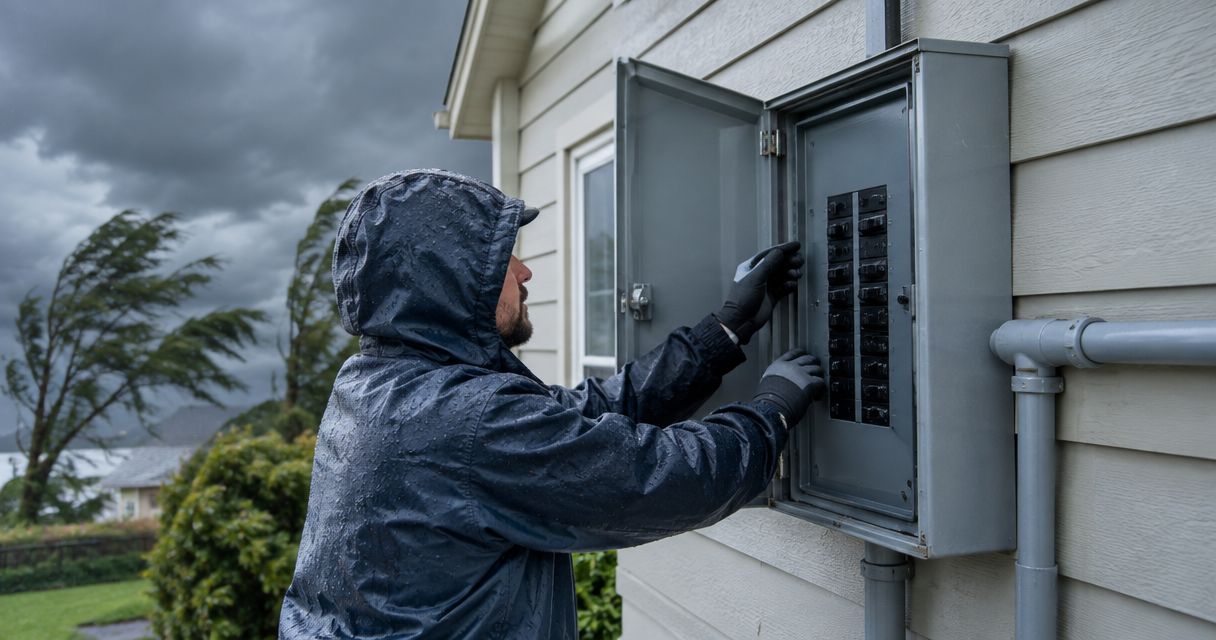
- Check for danger before touching a plug. Do not handle an outlet or cord in standing water. If you notice a burning smell, sparking, a scorched receptacle, or damage to the service line, keep clear of the affected area. Do not test it by plugging something in.
- Shut down what is still running. If a computer is on a functioning uninterruptible power supply, or UPS, save your work and shut it down. A UPS gives you a limited window; it is not a promise that you can work through a prolonged outage.
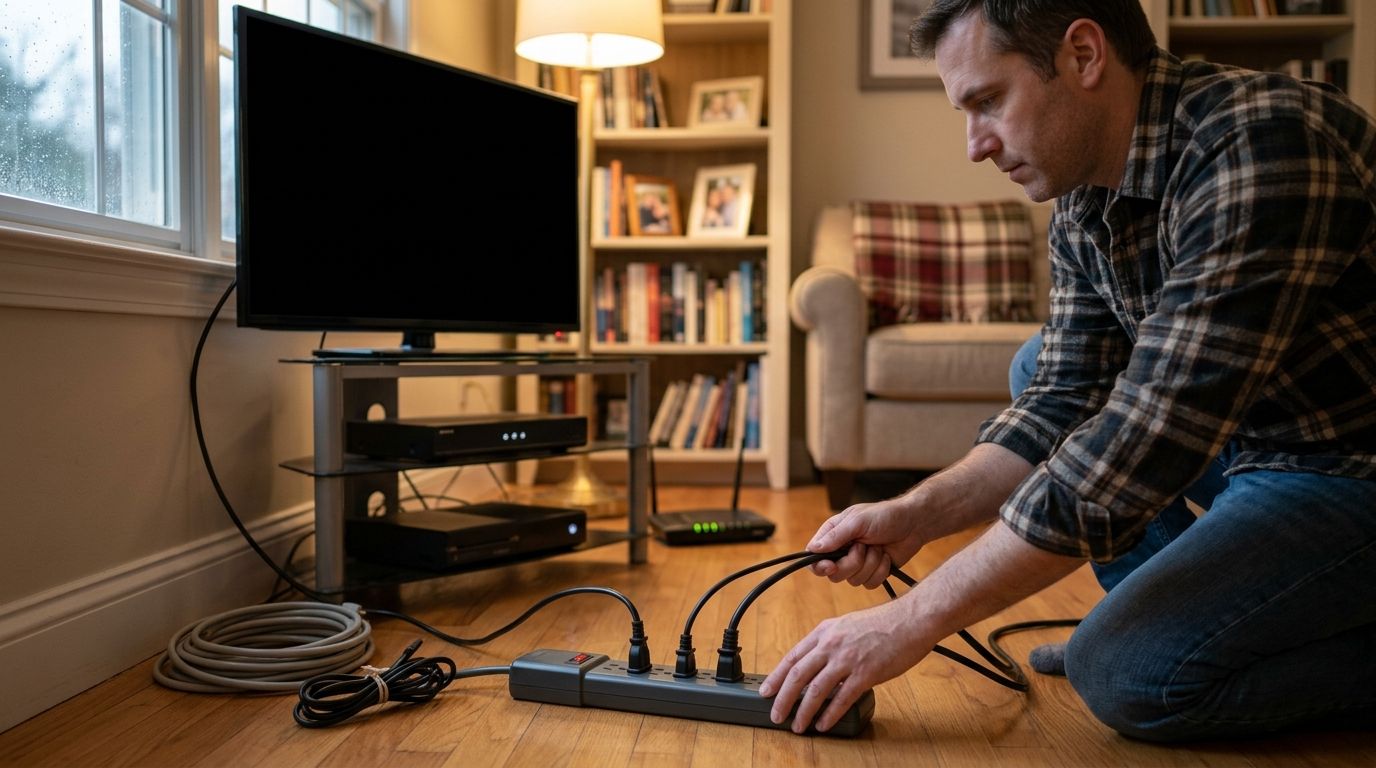
- Unplug idle, sensitive devices. Disconnect televisions, game consoles, desktop computers, and similar electronics that do not need backup power. Pull the plug itself, not the cord. Leave equipment alone if reaching it would require you to touch a wet or damaged area.
- Keep essential loads on an appropriate backup source. Match the backup device to the equipment it is intended to serve. A UPS selected for a router and computer has a different job from a permanently installed generator serving home circuits.
- Restore power deliberately. Once power is stable, reconnect devices one at a time. If an outlet, breaker, or appliance behaves abnormally, stop using it rather than repeatedly resetting a breaker or trying another plug on the same suspect circuit.
A typical US household circuit supplies nominal 120 V power at 60 Hz. Those figures describe normal supply, not a promise that every interruption is harmless. The practical question during an outage is whether a device needs temporary power, surge protection, or both.
| Option | Best for | What it does | Limitation |
|---|---|---|---|
| Unplugging | Idle electronics you can safely reach | Disconnects the device from the outlet during the outage | Does not keep anything running |
| Plug-in surge protector | Connected electronics when power is available | Helps limit certain surges at the outlet | Supplies no backup power; protection is not unlimited |
| Whole-house surge protective device | Protection at the electrical panel | Adds protection at the service or distribution point | Does not replace appropriate protection at sensitive equipment or repair faulty wiring |
| UPS | A computer or network device that needs a controlled shutdown | Supplies temporary battery power and, depending on the unit, surge protection | Runtime and connected load depend on the specific unit |
| Home battery or generator | Selected home circuits that must operate during an outage | Supplies backup power through a properly designed connection | Does not make damaged wiring or unsafe outlets acceptable |
Best immediate choice: unplug idle electronics and use a suitable UPS where an abrupt shutdown matters. Best longer-term choice: decide which circuits need backup power, then have the electrical setup assessed before selecting equipment. A surge protector and backup source solve different problems; neither is a substitute for the other.
Why protection needs vary between NJ homes
There is no single outage setup that fits every home in 2026. These factors determine what you need to protect and whether the existing electrical setup can support it:
- The equipment that must keep running. A router, desktop computer, heating system, and medical device serve different purposes. Follow a medical device manufacturer's power instructions rather than assuming a consumer UPS or household generator is suitable.
- How long the equipment needs power. A UPS is useful for a controlled shutdown. Equipment that must operate through a longer outage requires a backup plan designed for its load and expected use.
- The condition of outlets and wiring. A loose, scorched, wet, or sparking connection is a safety problem, not a surge-protector shopping decision. Have the fault addressed before using that circuit again.
- The circuits you want backed up. Supplying a few selected loads is a different project from backing up many home circuits. Identify the essential equipment before discussing a generator or home battery.
- The existing panel and connection method. Backup equipment needs an appropriate connection to home wiring. A generator must not feed a home through an ordinary receptacle or an improvised cord.
- Your current surge protection. A plug-in strip, a UPS, and a panel-mounted surge protective device have different roles. Check the actual device and its instructions; a power strip alone is not evidence of surge protection.
Spartan Home Pros is best for Central New Jersey homeowners and businesses that need a licensed electrical contractor to assess panel, wiring, or generator work. Its stated services include panel upgrades and generator installation. That makes an electrical assessment relevant when the outage plan extends beyond unplugging devices or selecting a standalone UPS.
What should you do before the next outage?
Make an inventory of what you need to keep on and what you can shut down. Write down the equipment, its location, and whether a safe shutdown is enough. In 2026, that simple distinction prevents a common mistake: buying backup power for every plugged-in device when only selected loads matter.
For computer equipment, identify the devices that need time to save work or stay connected briefly. Choose a UPS using the equipment's power requirements and the UPS manufacturer's instructions. Do not assume that plugging more devices into a UPS gives each one useful runtime; every connected load draws from the same battery capacity.
For televisions and other electronics that do not need to run during an outage, identify accessible plugs in advance. A device hidden behind heavy furniture is harder to disconnect safely in the dark. Keep cords and outlets accessible without creating a trip hazard, and never move furniture into a wet area to reach a plug.
If you rely on home circuits for heat, refrigeration, well water, or other essential functions, list those loads separately. Discuss that list with a licensed electrician before choosing a permanent backup system. The right setup depends on the equipment and the home's electrical connection, not on a generic list of appliances.
Is a surge protector enough during a power outage?
No. A surge protector addresses certain voltage spikes; it cannot power a computer or keep a router connected when utility power is absent. In 2026, use it as one layer of protection, not as an outage plan.
Read the marking on the device rather than judging it by its shape. A multi-outlet power strip and a surge protector can look similar. If protection status indicators are present, follow the manufacturer's instructions for what they mean. Replace a device when its instructions indicate it no longer provides protection; do not treat an illuminated outlet as proof that everything connected is safe.
A panel-mounted surge protective device is another layer, particularly when you want protection for circuits beyond a single outlet. Installation at the panel belongs with a qualified electrician. It still cannot correct a damaged receptacle, a loose connection, or an overloaded circuit.
Should you use a UPS, a home battery, or a generator?
Use a UPS when you need time to save work and shut down electronics; consider a home battery or generator when selected circuits must keep operating. Those are different jobs. A UPS is not sized by the fact that your home has an outage; it is selected for the equipment connected to it.
A home battery or generator involves the home's electrical system and a defined set of loads. Permanent generator connections need a properly designed transfer arrangement so backup power does not feed utility lines. Never connect a portable generator to a household outlet, and never run fuel-powered equipment inside a home, garage, or other enclosed space.
If you are considering whole-house generator installation for NJ homeowners, start with the circuits you need rather than a preferred machine. Spartan Home Pros offers generator installation, but no backup system eliminates the need to check the connected circuits and the equipment those circuits serve.
Review your home's outage plan
Discuss essential circuits, panel condition, and generator installation with a licensed electrical contractor.
What should you check after power comes back?
Wait until power appears stable, then reconnect unplugged electronics one at a time. That gives you a chance to notice an abnormal sound, smell, or failure before reconnecting everything. If an outlet is hot, scorched, or sparking, do not use it.
Check equipment that matters first: the router, computer, heating controls, and any other device your household relies on. If a breaker trips when you reconnect something, leave the device disconnected. Repeatedly resetting the breaker without finding the cause does not fix the fault.
For 2026 storm planning, keep a record of which circuits lost power and which devices failed to restart normally. That information helps an electrician distinguish a single-device problem from a circuit or panel issue. Spartan Home Pros provides electrical services in Monmouth, Middlesex, Somerset, and Union counties; describe the symptoms clearly when requesting an assessment, especially if you noticed burning, sparking, or a scorched outlet.
FAQ
Should I unplug my TV during a power outage?
Yes, unplug a TV you do not need to use if the plug is safe to reach. Reconnect it after power returns and appears stable; do not touch the outlet if it is wet or damaged.
Can a surge protector keep my computer on during an outage?
No. A surge protector does not supply backup power. A suitable UPS can provide temporary power so you can save work and shut down.
Is a power strip the same as a surge protector?
No. A multi-outlet power strip adds receptacles but does not necessarily provide surge protection. Check the device's markings and instructions rather than its appearance.
Will a whole-house surge protector prevent outage damage?
A whole-house surge protective device helps limit certain surges but does not prevent every kind of equipment damage. It also does not provide power during an outage or repair faulty wiring.
Can I plug a generator into a wall outlet to power my home?
No. Do not feed a home through an ordinary wall outlet or improvised cord. A generator serving home circuits needs a properly designed connection that prevents backfeeding.
What if an outlet sparks after power returns?
Stop using that outlet and keep clear of it. Do not test it with another device or repeatedly reset a tripped breaker; have the electrical fault assessed.
Do I need backup power for every device in my home?
No. Separate devices that need to keep running from those you can shut down or unplug. Size and select backup equipment for the loads it will actually serve.
One last thing
Your first outage purchase may be no purchase at all. In 2026, identify the plugs you can safely reach, the devices that need a controlled shutdown, and the circuits that truly need backup power. If you find a damaged outlet while doing that check, deal with the electrical fault before choosing another protector. Spartan Home Pros is an electrical contractor for Central New Jersey owners whose outage plan calls for panel or generator work; a standalone surge protector cannot answer whether the wiring is sound.